Stay connected anywhere, anytime — with call, meet and chat, all in one simple app for desktop, mobile and web.
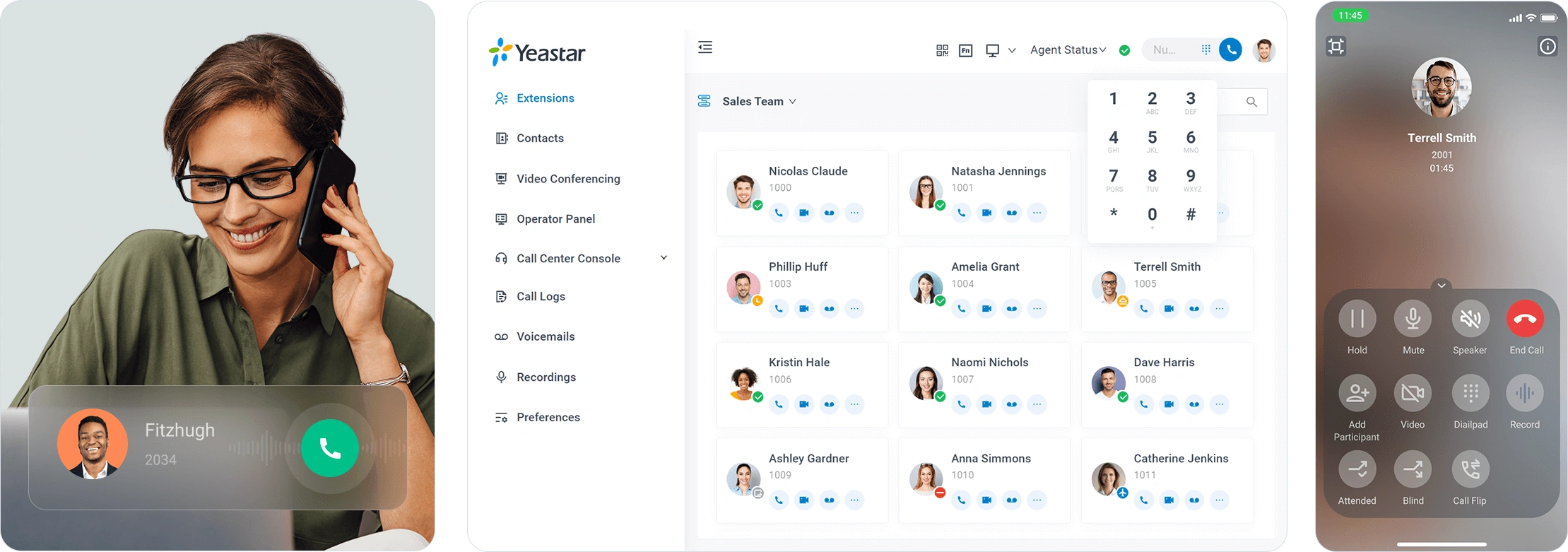
Call, video, message, conference and more. Access your Yeastar phone system features anywhere you have an internet connection.
Use the app on your computer or mobile phone. Streamline workflows with a modern, easy-to-navigate interface.

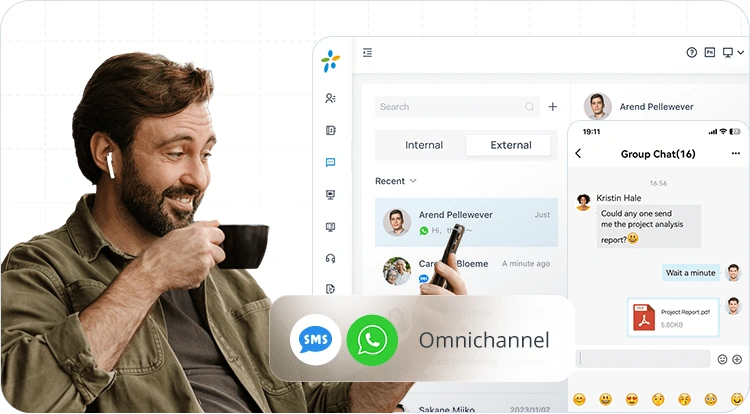
WhatsApp, SMS and team chats. Access and respond to customer messages from multiple channels and collaborate with teams — all in one interface.

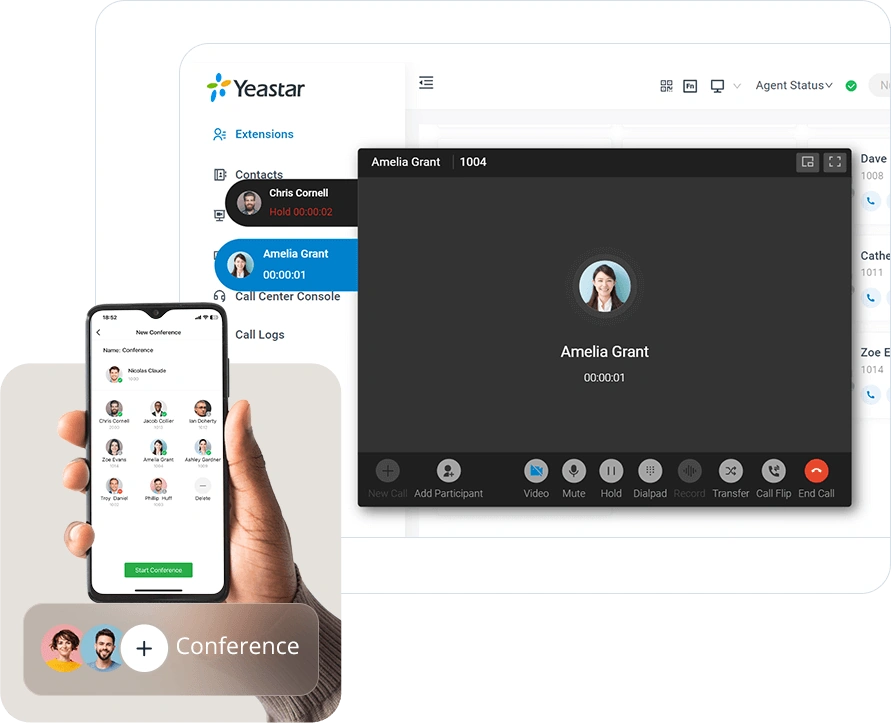
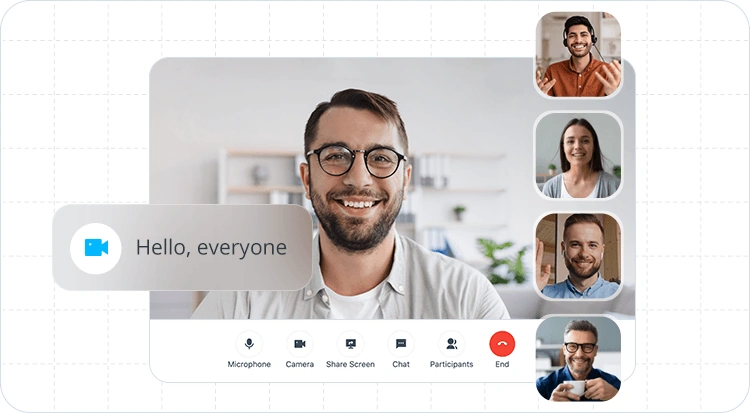
HD audio conferencing and web-based video meetings with screen sharing. Start, schedule and join with a few clicks.
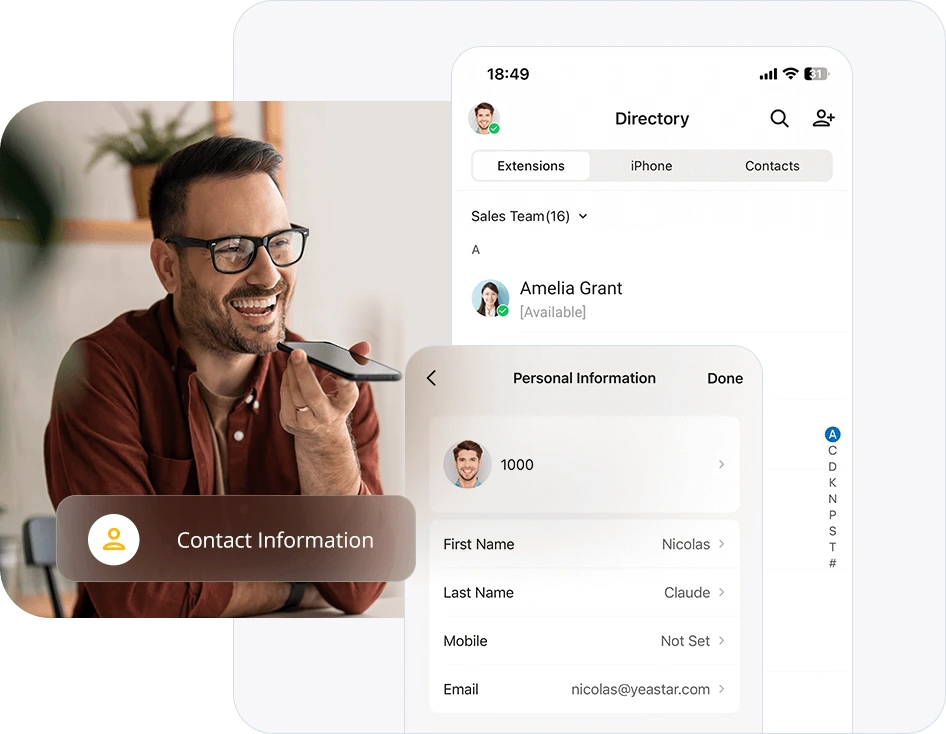
Keep track of the contact details that matter to your business with a unified address book. Let your team always know who is in touch and reach out to customers with ease.

Secure, stable communications anywhere — without port forwarding.

Monitor and manage your queues and agent activities right in the web client.

Let colleagues know whether you are available with clear presence indicators.

Share files, documents, images and more in one-to-one or group chats.

Set up feature shortcuts for speed dial, intercom, BLF monitoring and more.

Connect an IP phone to control calls on your computer while talking on the handset.

Embed the Linkus app inside Microsoft Teams to streamline your workflow.

Click-to-call Outlook contacts and view your call logs directly in Outlook.

Supports HubSpot, Salesforce, Zendesk, Zoho, Bitrix24, Odoo and more.
Linkus UC Clients are included free with all Yeastar business phone systems. The supported features depend on the connected phone system.
Full unified communications in the cloud or on-premises. Learn more
Entry-level on-premises business phone system. Learn more

Try the app with full feature access on a Yeastar P-Series Phone System. Join thousands of businesses building better conversations.
Try with a Yeastar Phone SystemNote: The features supported on the Linkus UC Client depend on the connected Yeastar phone system. The Linkus Web Client is supported exclusively on the Yeastar P-Series Phone System.